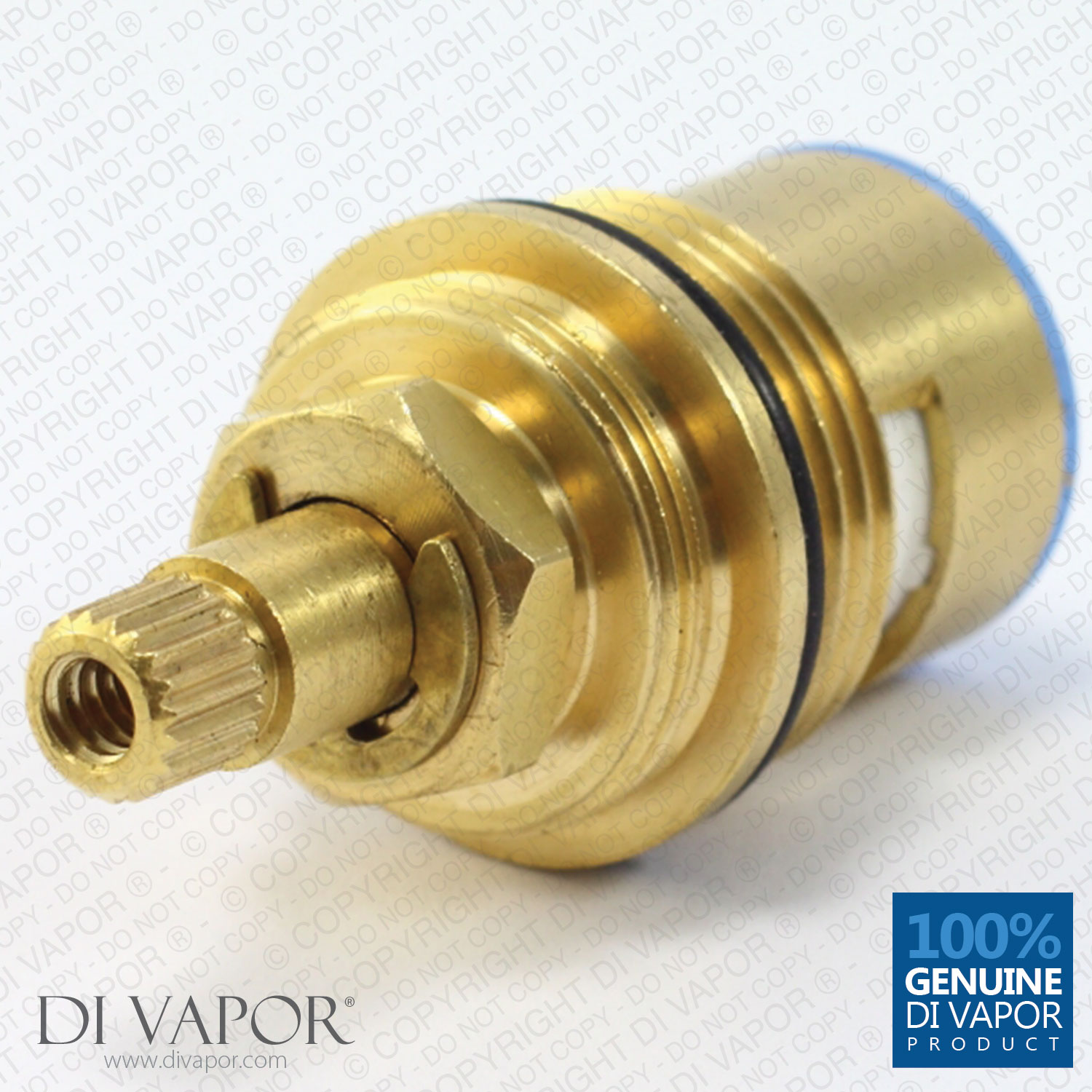
VADO CEL-002A/B-3/4 On/Off 3/4" Flow Cartridge (Clockwise Close) - CEL-002A-B-3-4


Send a photo of your item and we'll help confirm it.
Summary
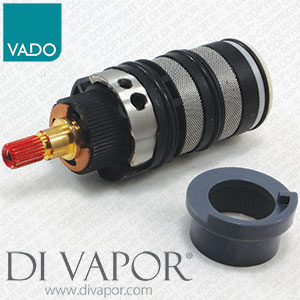
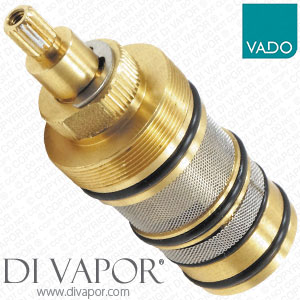
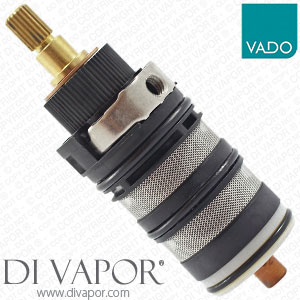
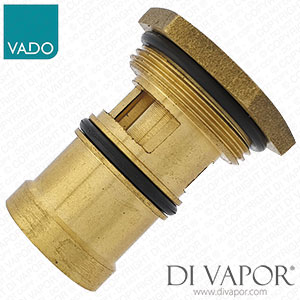
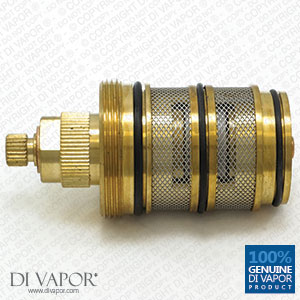
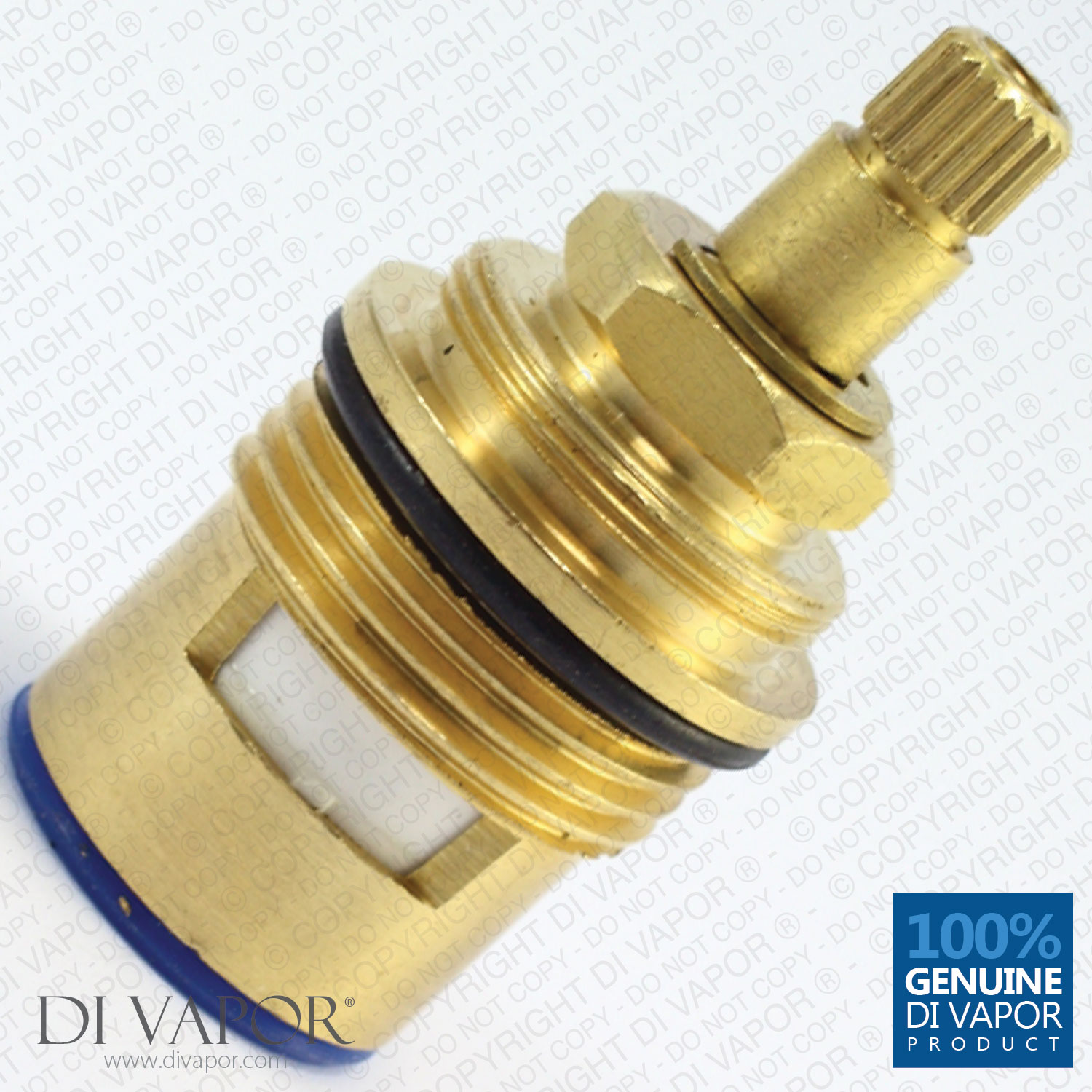
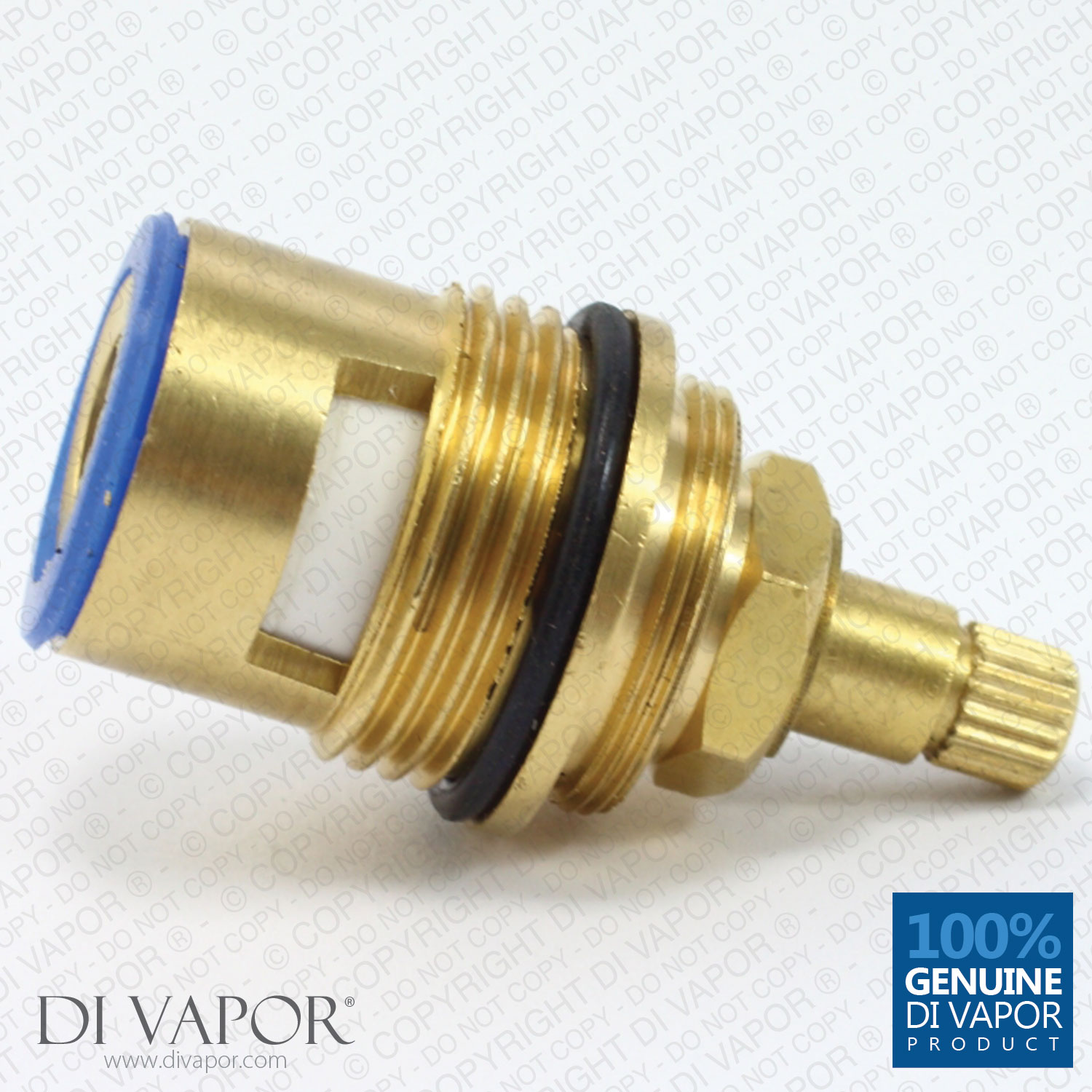
VADO CEL-002A/B-3/4 On/Off ceramic disc flow cartridge. The cartridge closes / stops water flow by turning the handle clockwise (8:20 broach 3/4" ceramic disc valve).
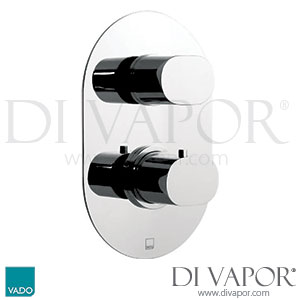
This CEL-002A/B-3/4 cartridge will fit the following Vado shower valves:
- Vado Celsius CEL-148C
- Vado Nuance NUA-148C
- Vado Notion NOT-148C
- Vado Soho SOH-148C
- Vado Mix MIX-148C
- Vado Life LIF-148C
- Vado Origin ORI-148C
- Vado Celsius CEL-149-3/4
- Vado Celsius CEL-128C
Technical Information
| Spare Part | Flow Cartridge Vado CEL-002A/B-3/4 |
|---|---|
| Installation | Screw-In |
| Material | Brass with Ceramic Core |
| Number of External O-Ring | 1 |
| Bottom Seal Colour | Blue (Clockwise Close, Anticlockwise Open) |
The diverter cartridge for the “with diverter version” of the shower models stated above is the Vado CEL-RETROFIT-DIV.
Vado CEL-002A/B-3/4 Flow Cartridge Spare Part Replacement Guide
CEL-002A/B-3/4 is a ceramic disc cartridge made for Vado shower mixers. The sturdy ceramic core reduces the likelihood of residue buildup in the flow cartridge prolonging its life than one made fully from brass. The flow cartridge is suitable with a number of two- and three-way Vado showers.
Vado made Celsius, Life, Notion, Nuance, Mix, Soho, and Origin are TMV2 compliant. Cartridge removal is the same in all of the stated valves. The difference is in dismantling the handle.
To access the and replace the CEL-002A/B-3/4 cartridge:
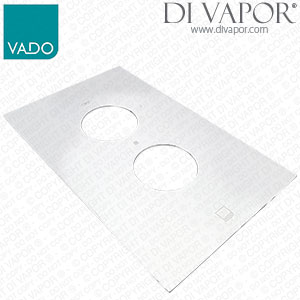
- Remove the handles, the cover plate rings, the flow valve ring, and the temperature valve ring. Slide the faceplate out. Remove the screw-fit cartridge.
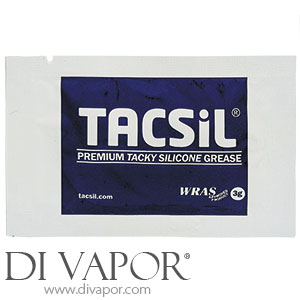
- Coat a pea-sized amount of silicone grease on the O-ring of the new Vado flow cartridge CEL-002A/B-3/4. Seat and tighten it in the valve. Then, begin reassembling the faceplate, rings, and handles.
Removing and Restoring the Flow and Temperature Handles
Vado Celsius, Origins, and Nuance
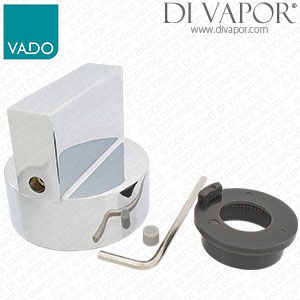
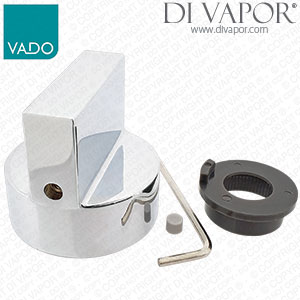
(Flow Control) Remove: The flow handle is secured by a grub screw. Use an Allen key to remove it.
Restore: Set the flow control handle atop the splines. The handle prong (lever) must point at 12:00. Redo the grub screw.
(Tempreature Control) Remove: Unscrew the thermostatic handle’s lever. This can be done by hand. With the lever out, the grub screw under it is now accessible. Undo the grub screw to remove the handle cap. Press the temperature override button to release the handle.
Restore: Position the override button at 12:00. Push the button down and press the handle against the splines. Take care that the splines do not shift. Tighten the grub screw and reattach the prong.
Vado Life, Mix, and Soho
(Vado Mix does not have a screw cover.)
(Flow Control) Remove: Take the screw cover out. Undo the grub screw found beneath the flow handle.
Restore: Put the handle back and secure with the grub screw. Fit the screw cover in.
(Tempretaure Control) Remove: Take the screw cover out. Undo the temperature control handle’s grub screw. Press the override button and remove the handle.
Restore: The override button must face 12:00. Press it down and push the handle in place. Do not turn the splines. Secure the handle with the grub screw. Reattach the screw cover.
Fast delivery
- UK delivery: £5.95 incl. VAT for this small packet item.
- For all in-stock spare parts the typical UK delivery timescale is 2-5 working days.
- If you need a part urgently then we can provide a next-day (delivered Mon-Fri) UK delivery service for all in-stock small parcels ordered before 3.00pm, Monday - Friday.
- Next day delivery is available to select at an additional charge during the checkout.
- Worldwide delivery available — see our delivery page for details.
Returns
- 14 days 'risk-free' returns.
- Start a return within 14 days of receiving your order by calling 0121 705 0866 or using our contact page.
- Full returns information is available in our terms and conditions.
Payment methods
We accept the following payment methods:

- Card payments: Visa, Mastercard, Maestro, Discover, JCB, Diners Club and EnRoute
- PayPal
- American Express: available via PayPal guest checkout only
- BACS bank transfer
- Cheque: dispatch takes place once payment has cleared
Security
We use industry-standard payment systems to help keep your payment information secure. Our website and payment processes are regularly checked to maintain PCI security standards.
- Secure SSL encryption
- Your personal and payment details are protected
- Regularly checked for PCI security standards